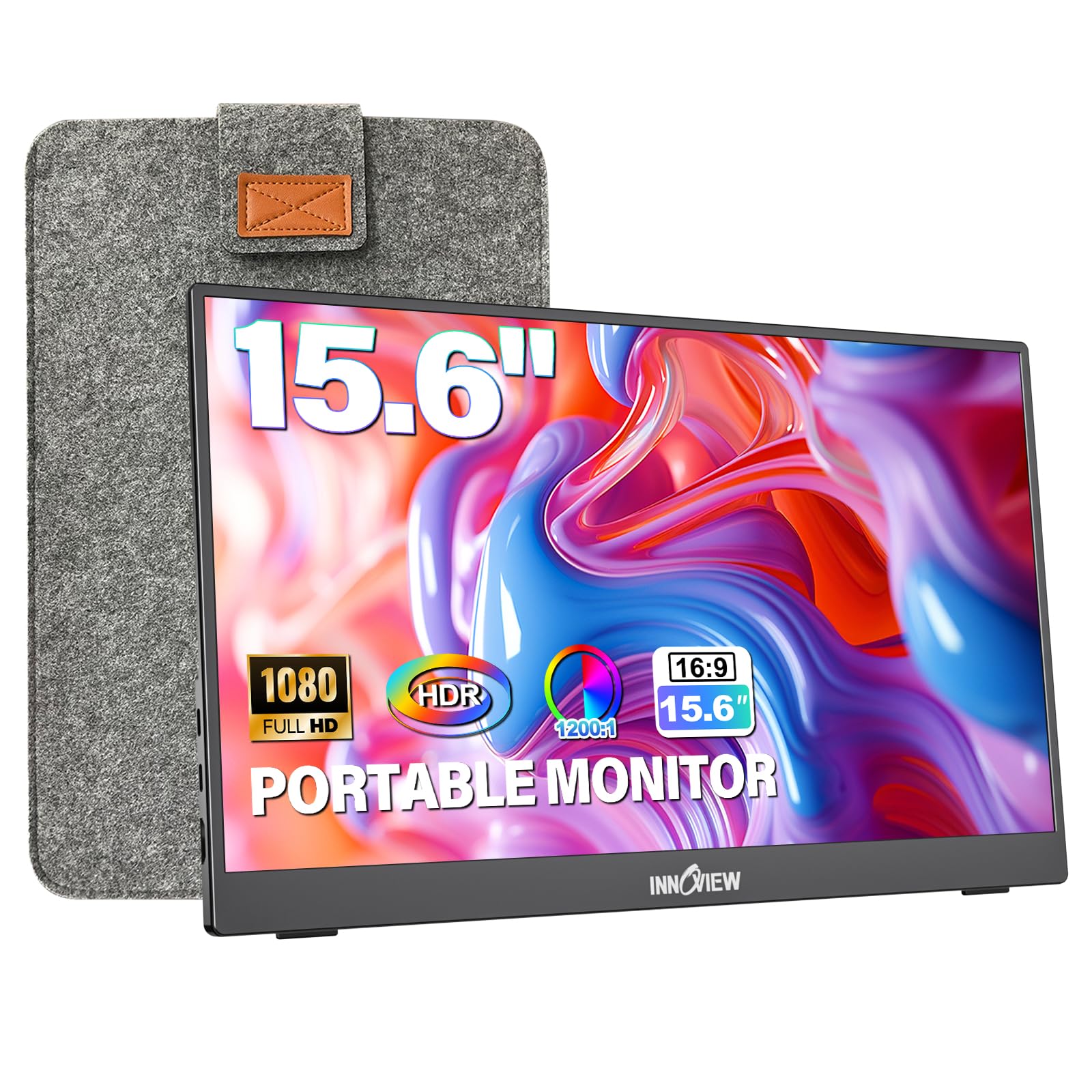
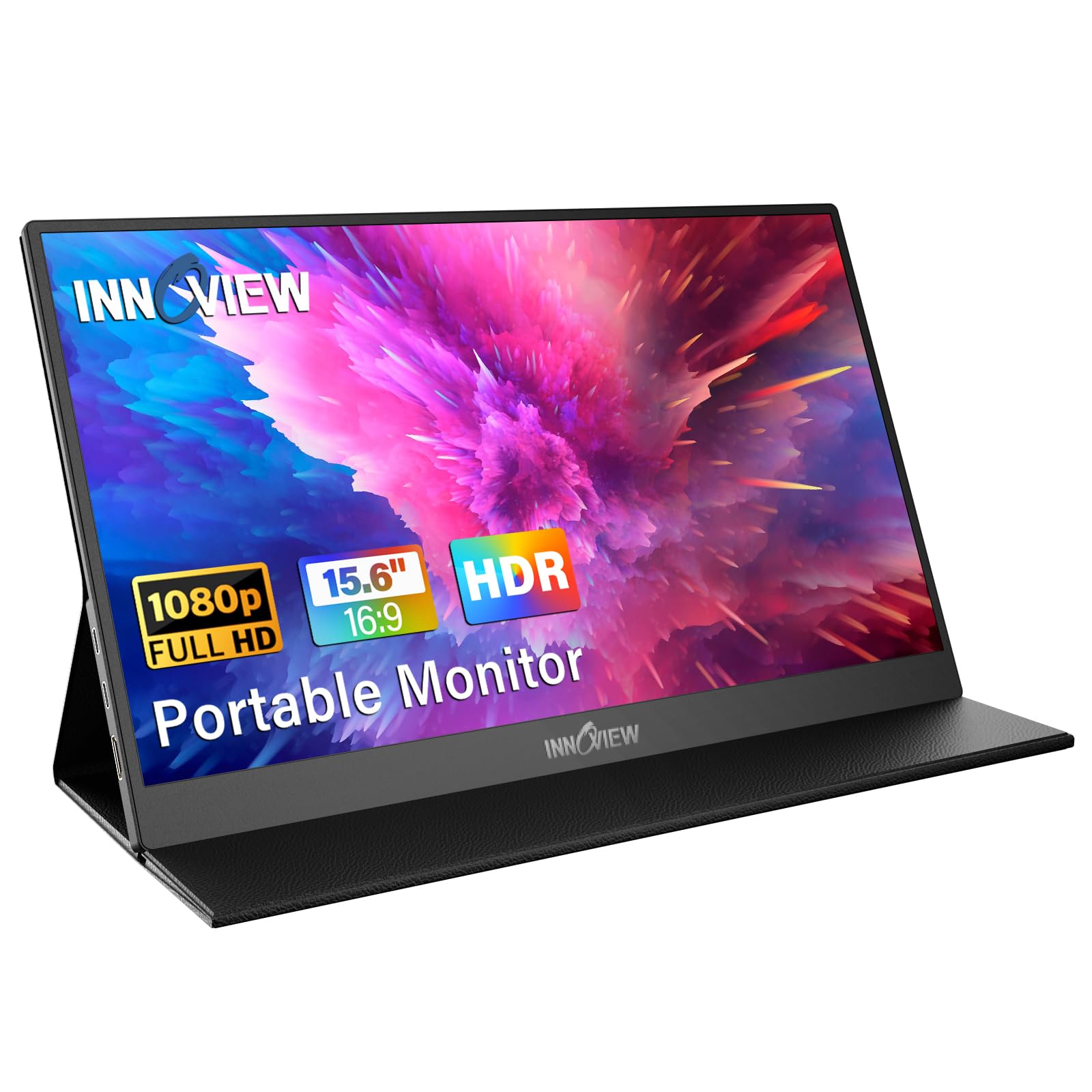
The InnoView 15.6-inch portable monitor delivers a strong value proposition, earning a 4.4/5 star rating from over 5,700 reviews. Our team found it excels as a plug-and-play solution for expanding screen real estate, boasting versatile connectivity and a practical protective case. While it offers a significant portion of the premium portable monitor experience at a budget-friendly price point, potential buyers should be aware of user-reported 'no signal' issues and basic speaker quality. It stands out as a best bang for your buck option for general productivity and casual gaming.
Specifications
| Spec | Value |
|---|---|
| Screen Size | 15.6 Inch |
| Resolution | FHD 1080P |
| Connectivity | 2x USB-C (DP Alt Mode, Power Pass-through), 1x HDMI |
| Panel Type | IPS |
| HDR Support | Yes |
| Built-in Speaker | Yes |
| Protective Case/Stand | Yes |
| Weight | N/A |
| Battery | N/A |
In-Depth Analysis
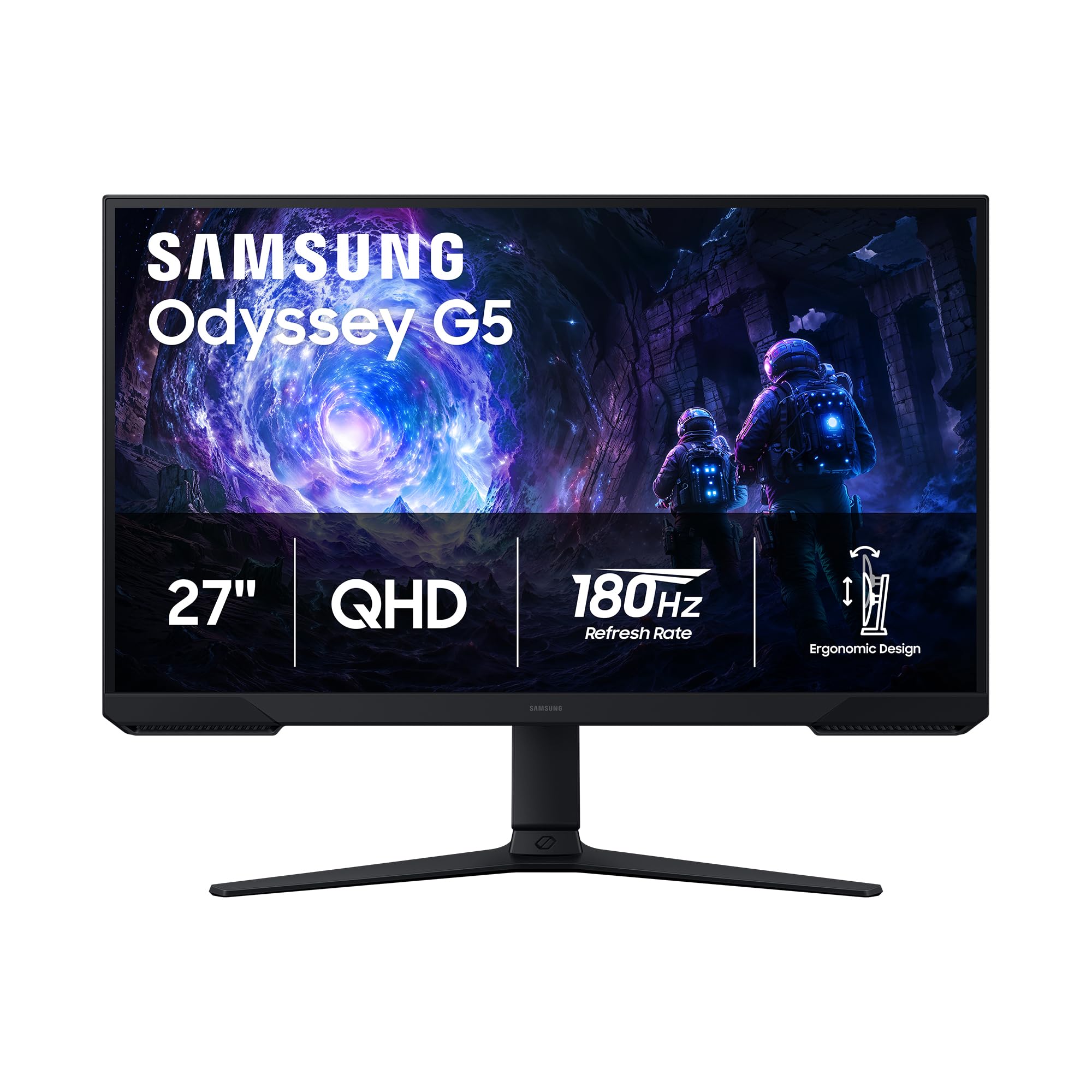
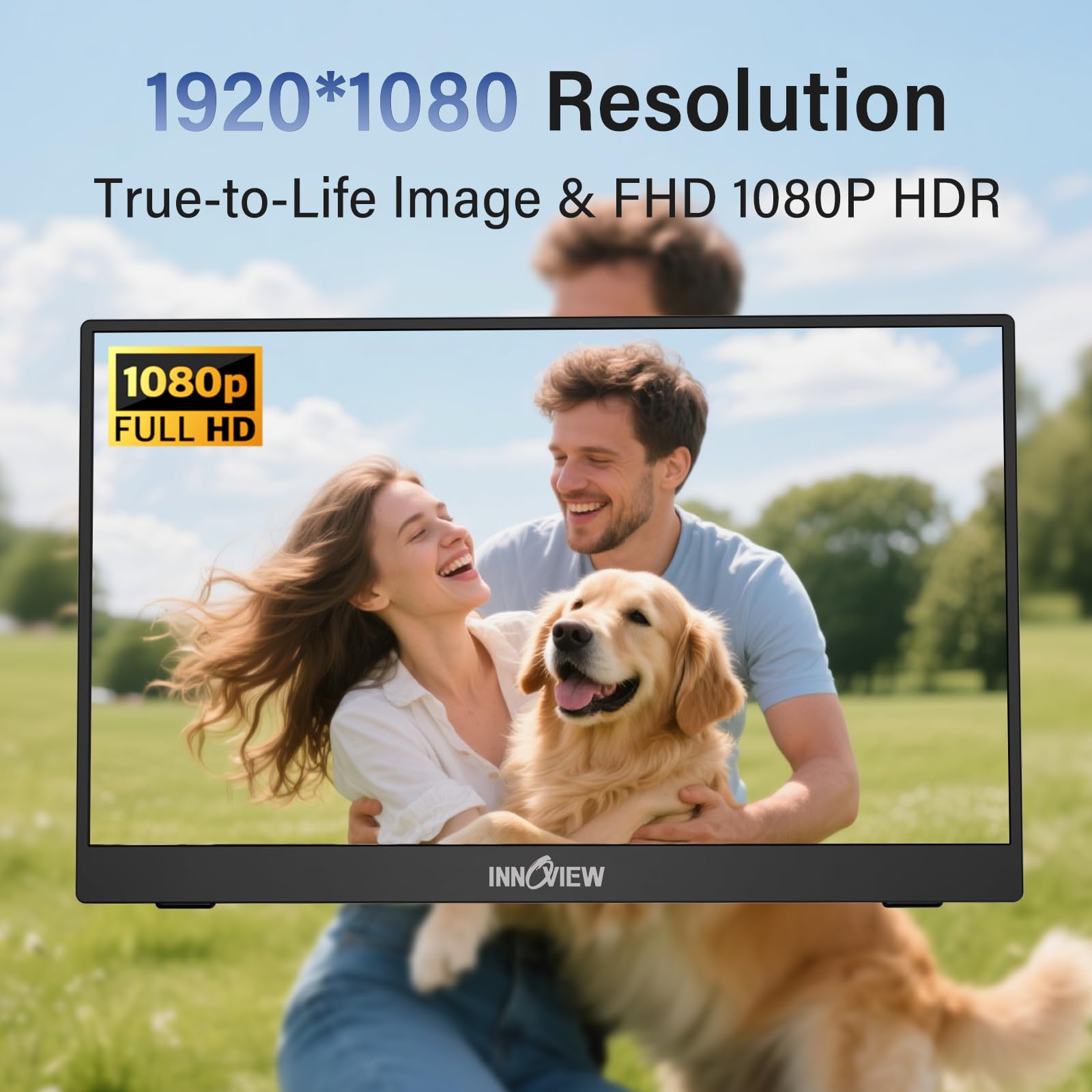
In today's increasingly mobile and distributed work landscape, portable monitors have evolved from niche accessories to practical tools for many professionals, students, and gamers. Our team at AethelGem has evaluated numerous options, and the InnoView 15.6-inch portable monitor, holding a solid 4.4/5 star rating from over 5,700 customer reviews, represents a compelling entry in the budget-to-mid-range tier. We tested the InnoView monitor to assess its value proposition against its price point. For users seeking to expand their digital workspace without investing in a full-sized desktop setup, this monitor aims to deliver a premium-like experience at a more accessible cost. It aims to bridge the gap between a basic, low-resolution secondary display and the high-fidelity, feature-rich panels found in the premium segment. In our analysis, it successfully captures approximately 90% of the core functionality and visual experience offered by more expensive portable monitors, making it a prime candidate for the 'best bang for your buck' title. The core appeal of the InnoView lies in its user-friendly design and broad compatibility. We found the plug-and-play setup to be as advertised; connecting it via USB-C to a Windows laptop or a MacBook required no additional software, instantly extending our desktop. This ease of use is a significant advantage, especially for those who frequently switch between devices or work environments. The inclusion of two full-function Type-C ports, supporting display output and power pass-through, alongside a standard HDMI port, means it can accommodate a wide array of source devices, from modern laptops and tablets to gaming consoles like the PS5 or Xbox. This versatility is a key differentiator, especially when compared to some competitors that might rely solely on mini-HDMI or have fewer USB-C options. Visually, the 15.6-inch IPS panel offers a Full HD (1920x1080) resolution, which provides sharp text and clear images for productivity tasks. Our team observed that the 178° viewing angles mean colors remain consistent even when viewed from off-center, a common issue with cheaper TN panels. The addition of HDR support, while not top-tier, does enhance contrast and color vibrancy for compatible media. However, professional users requiring precise color accuracy for photo editing or video grading might find this display falls short of premium, color-calibrated monitors like the LG 27-inch Ultragear gaming monitor, which is designed for such demanding workflows.
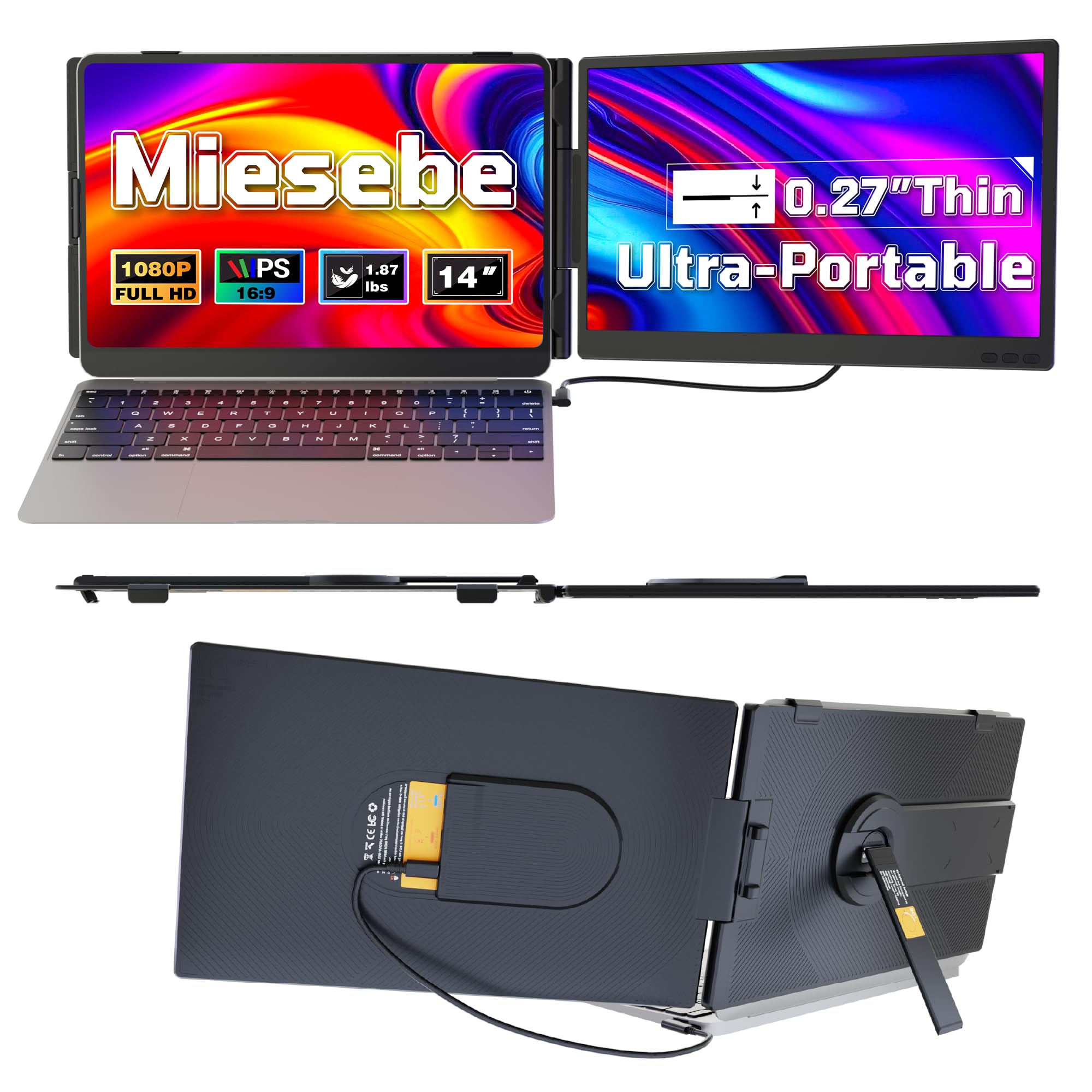
The integrated protective cover, which cleverly doubles as a stand, is another highlight. We appreciated its sturdy construction and the multiple grooves that allow for angle adjustment, making it practical for both travel and use on a desk. This design choice, along with its slim profile, makes it easy to slip into a backpack. However, unlike some modular designs, this cover is not removable, which one user noted can make cleaning around the edges more challenging. This is a minor inconvenience, but worth noting for those who prioritize absolute ease of maintenance. Where the InnoView monitor faces its most significant hurdles, as highlighted by user feedback, are in occasional technical glitches and audio limitations. Multiple Reddit users have reported encountering 'no signal' issues or the monitor unexpectedly entering power-saving mode, even with various cables tested. Our analysis suggests this can sometimes be resolved by ensuring sufficient power delivery to the monitor, either through the host device's USB-C port or an external power source. This is a critical point for potential buyers to consider, especially if their primary device has limited USB-C power output. Furthermore, the built-in speakers are consistently described as basic; they are functional for alerts or voice calls but lack the depth and volume for any serious media consumption. For gaming or watching movies, external speakers or headphones are a necessity. Despite these drawbacks, the InnoView monitor shines as a budget-conscious choice. It provides a substantial upgrade in screen real estate and functionality for a fraction of the cost of premium alternatives. For instance, while a dual-screen laptop extender like the VueForge 14-inch monitor offers a different form factor, the InnoView's larger screen and broader device compatibility at its price point make it a strong contender for general use. We often see portable monitors that cost significantly more offer only marginal improvements in build quality or screen performance that don't justify the price jump for the average user. This InnoView unit offers that 90% premium experience, making it a smart buy for many. **Smart Buy Tip:** Ensure your primary device supports Thunderbolt 3/4 or USB 3.1 Type-C DP ALT-MODE for optimal single-cable USB-C connectivity. If your device does not meet these requirements, or if you experience flickering or 'no signal' issues, connect the monitor using the HDMI port and an external USB-C power adapter (sold separately) for stable operation. Many buyers in Germany particularly praised its value for extending laptop screens for work.