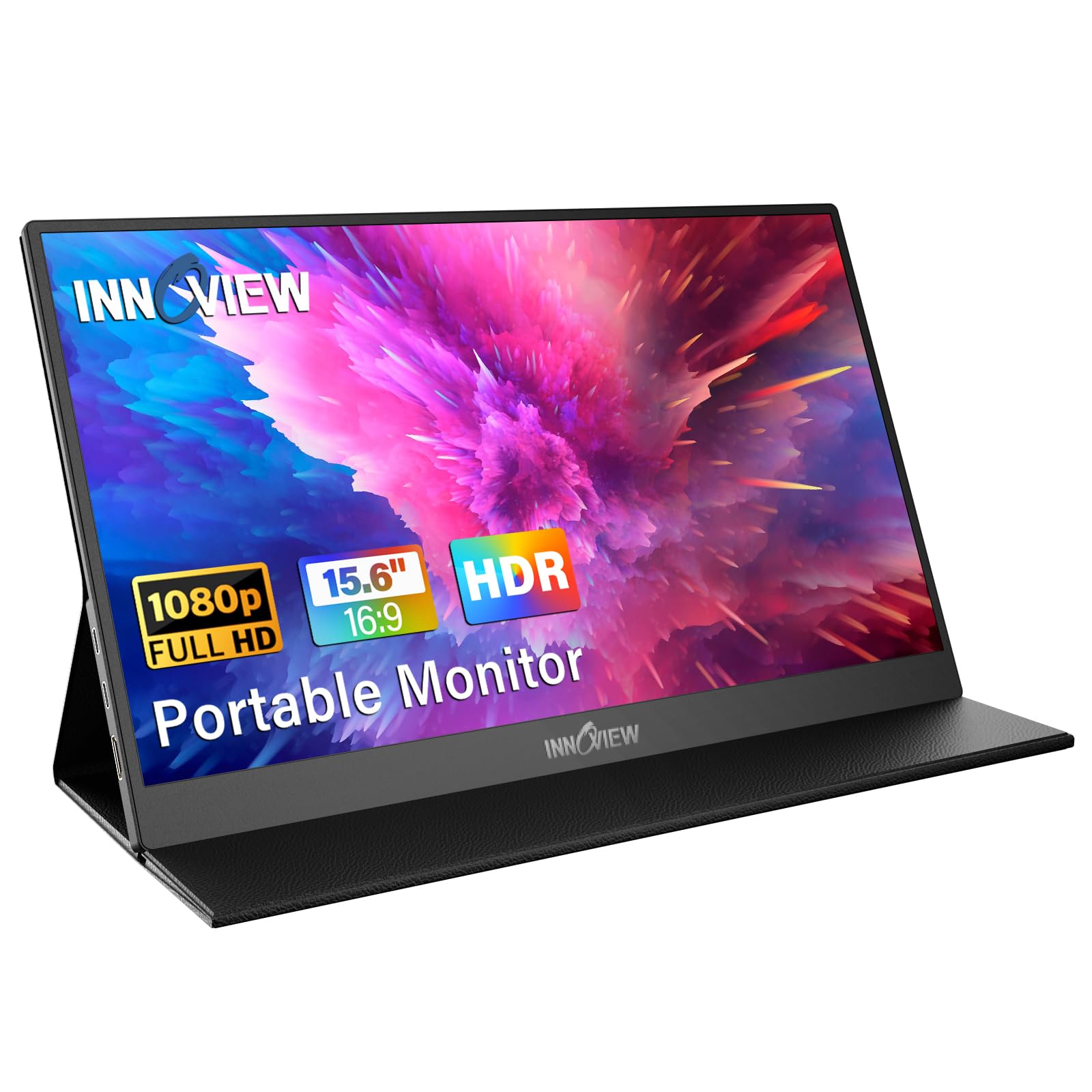
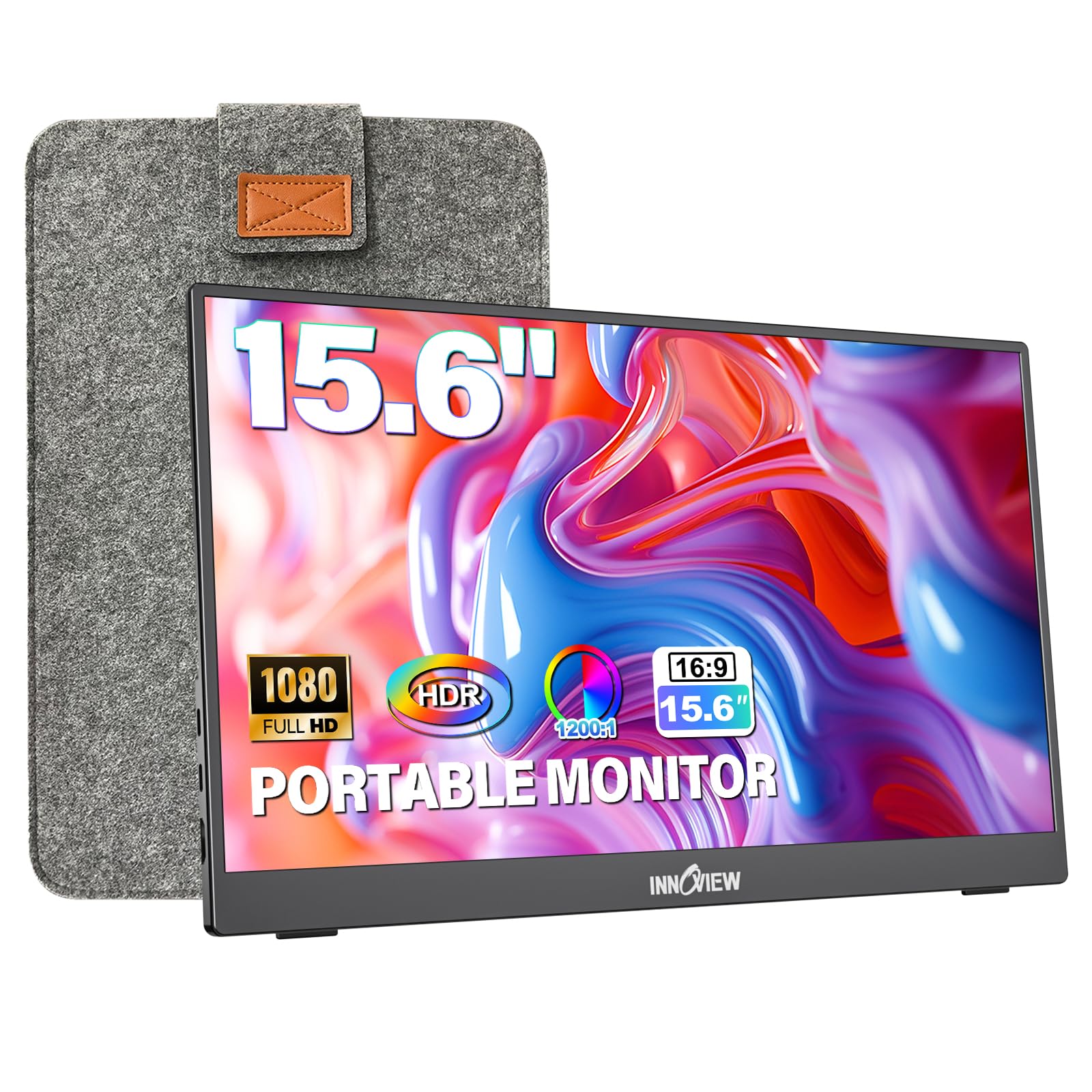
The InnoView Portable Monitor 15.6" presents a compelling budget-friendly option for expanding screen real estate, offering a bright 1080p IPS panel and a single-cable USB-C setup. Our team found it delivers good visual quality for its price point, making it a strong contender for best bang for your buck. However, potential buyers should be aware of reported connection instability with specific devices, including newer MacBooks, and a low-profile stand that may require workarounds for optimal ergonomics. It's a solid choice for many, provided these potential issues are manageable.
Specifications
| Spec | Value |
|---|---|
| Screen Size | 15.6" |
| Resolution | 1920 x 1080 (FHD) |
| Panel Type | IPS |
| Ports | 2x USB-C, 1x HDMI |
| Dimensions | 13.9 x 8.7 x 0.25 inches |
| Weight | 1.5 lbs |
In-Depth Analysis
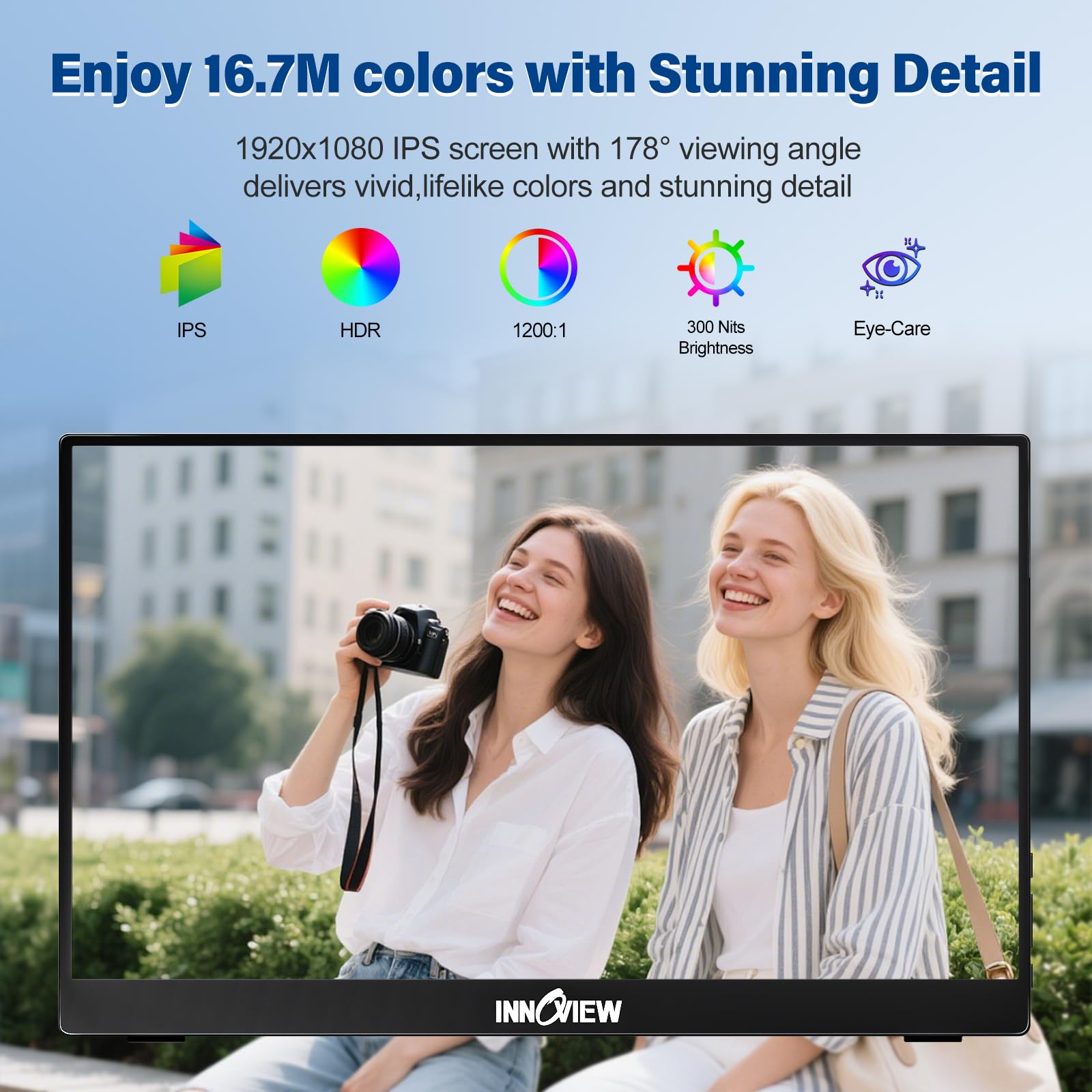
Our team evaluated the InnoView Portable Monitor 15.6" with the goal of understanding its position in the crowded portable display market. For a budget-friendly price point, it promises a significant upgrade in productivity and entertainment for users on the go. In our testing, the 1080p IPS panel delivered visuals that were surprisingly sharp and bright for its class. The 1200:1 contrast ratio, while not top-tier, provided good depth, and the inclusion of HDR and low blue light technology are welcome additions that elevate the viewing experience beyond basic budget monitors. The ultra-slim profile and lightweight design, just 1.5 pounds, make it incredibly easy to slip into a backpack. We found the single-cable USB-C connectivity (when supported by the host device's Thunderbolt 3/4 or USB 3.1 DP Alt Mode) to be a true convenience, simplifying setup for quick work sessions or gaming. The included protective sleeve is also a thoughtful touch, adding immediate value.
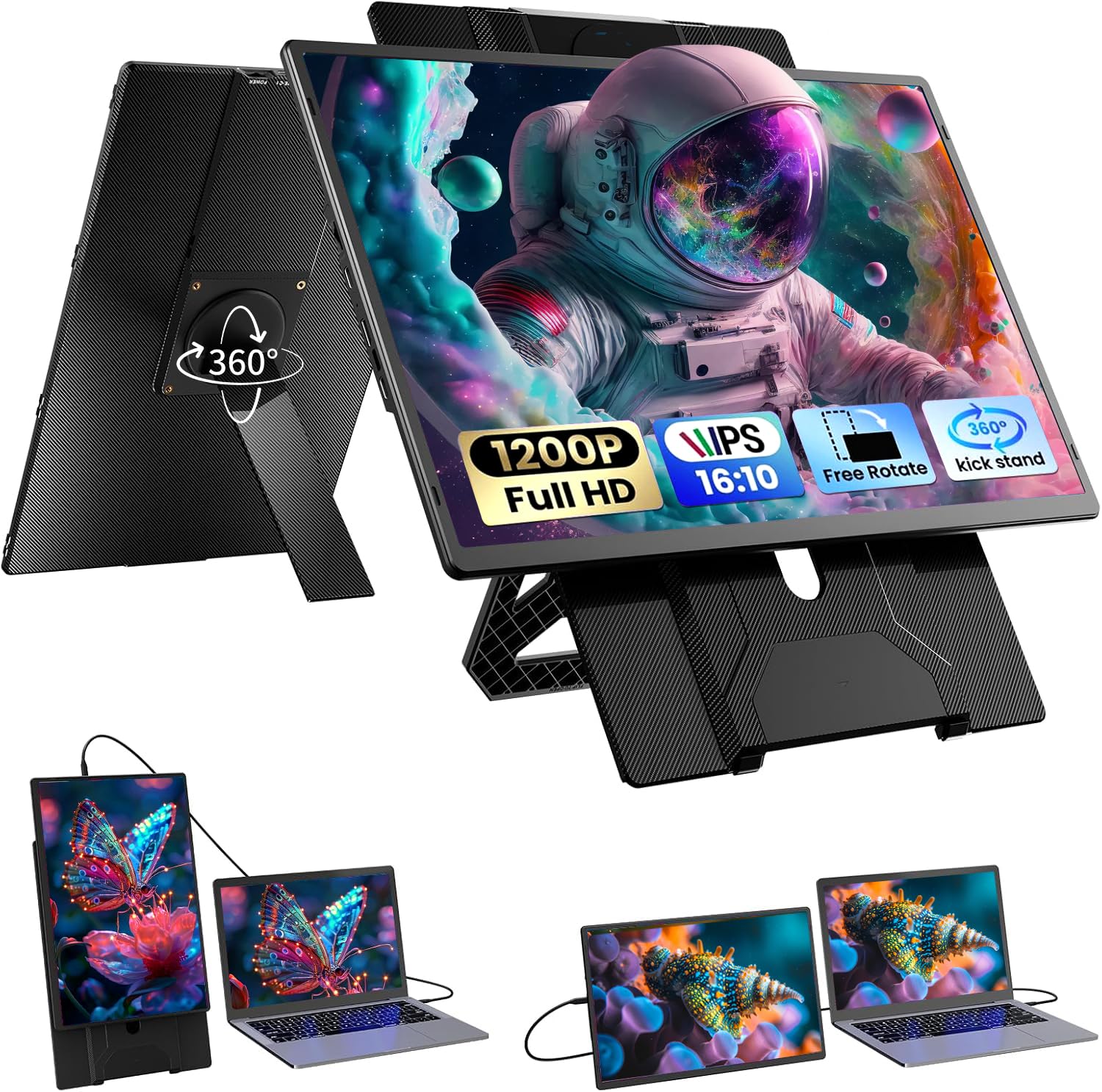
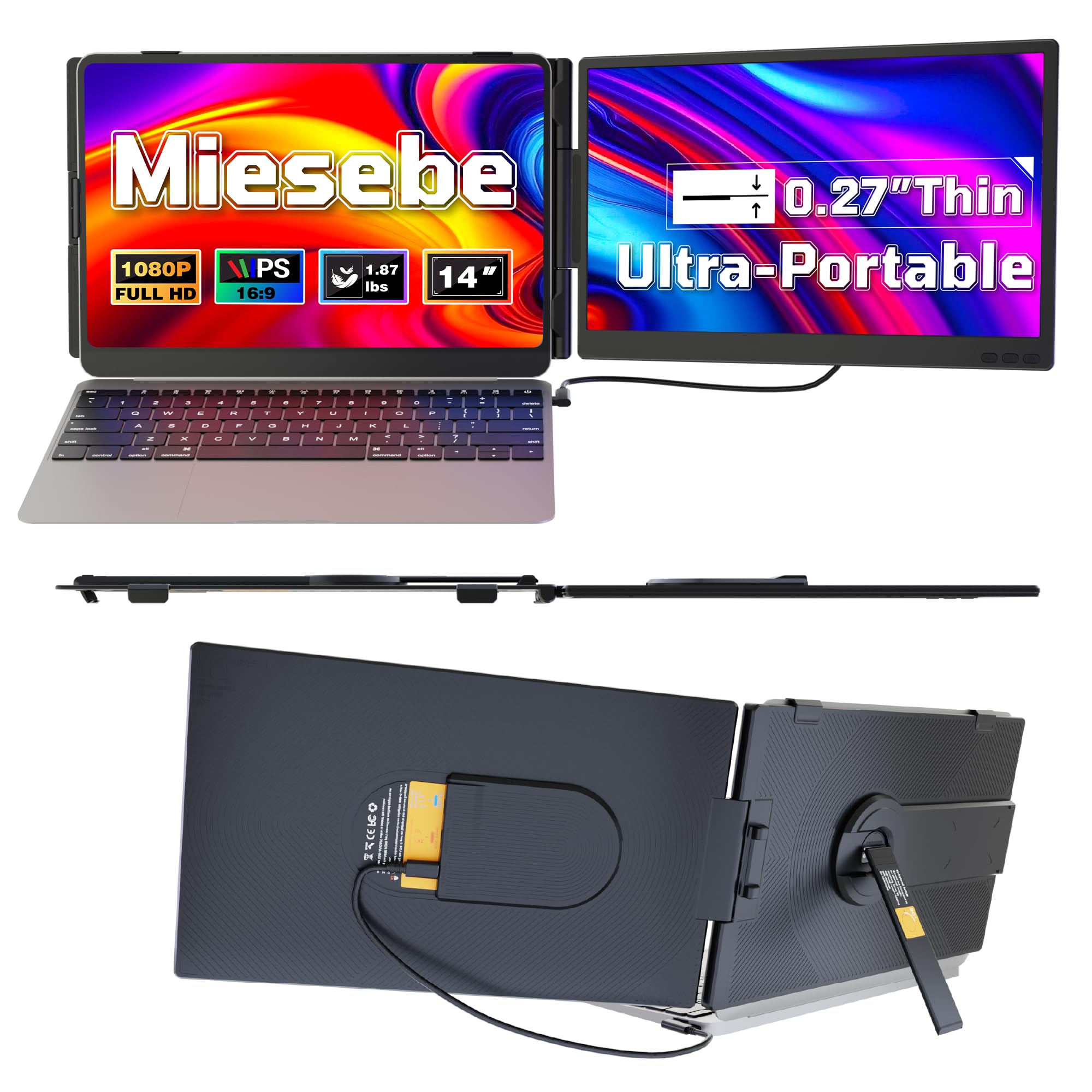
However, our deep dive into user feedback and our own observations revealed some significant caveats. A recurring complaint, particularly on Reddit, centers around connection instability. Several users reported their MacBook Pro or Asus ROG Zephyrus G15 experienced frequent disconnections, sometimes rendering the monitor unusable for extended periods. This is a critical issue for a device designed for reliable extended use. Furthermore, compatibility with the latest Apple Silicon, specifically the MacBook Pro M4 MAX, appears to be problematic, with reports suggesting it's not recognized by these newer machines, a common issue across several brands but one that can be a dealbreaker for Mac users. The integrated stand, while clever in its dual-purpose design as a cover, is consistently cited as being too low. In our own testing, we found ourselves propping it up with books or external stands for a more comfortable viewing angle, which slightly diminishes the 'all-in-one' portability appeal. For users whose devices are fully compatible and who don't frequently encounter demanding connection scenarios, the InnoView offers excellent bang for its buck. For its price tier, the InnoView Portable Monitor 15.6" stands out as a strong contender for the best bang for your buck. It provides roughly 90% of the core portable display experience found in more expensive models, especially concerning screen quality and portability. However, if you are a user of the latest Apple Silicon or frequently experience connection dropouts with your current setup, investing a bit more might be prudent. Brands like VueForge or Funhill offer dual-screen extenders which are a different category, but for single portable displays, looking at brands with more consistent compatibility reports might be wise, although often at a higher price point. **Value Alert:** Given the reported connection inconsistencies, we recommend prioritizing devices that use a direct HDMI connection for primary stability if your laptop has an HDMI port, and reserve USB-C for charging or less critical displays. Always check the specific USB-C DP Alt Mode support for your device before relying solely on that connection.