The Dell 27 Plus USB-C Monitor (S2725DC) offers strong QHD visuals and excellent connectivity, making it a practical choice for many. With a 4.5/5 rating from 41 reviews, its 144Hz refresh rate and single-cable USB-C solution are highly praised. However, potential buyers must be aware of its low contrast ratio, which can result in blacks appearing grey, and the 65W USB-C power delivery may not suffice for all demanding laptops, requiring an additional charger.
Specifications
| Spec | Value |
|---|---|
| Screen Size | 27 Inches |
| Resolution | QHD (2560 x 1440) |
| Refresh Rate | 144Hz |
| Panel Type | IPS |
| Response Time | 1ms MPRT |
| Contrast Ratio | 1500:1 |
| Brightness | 350 cd/m² |
| Colour Gamut | 99% sRGB |
| USB-C Power Delivery | Up to 65W |
| Connectivity | 2x USB-C, 1x HDMI 2.1, 1x DisplayPort 1.4, 2x USB-A |
| Speakers | Dual 3W |
| Ergonomics | Height, Tilt, Swivel, Pivot Adjustments |
| Weight | 4.62 kg |
| Warranty | 3 Years |
In-Depth Analysis
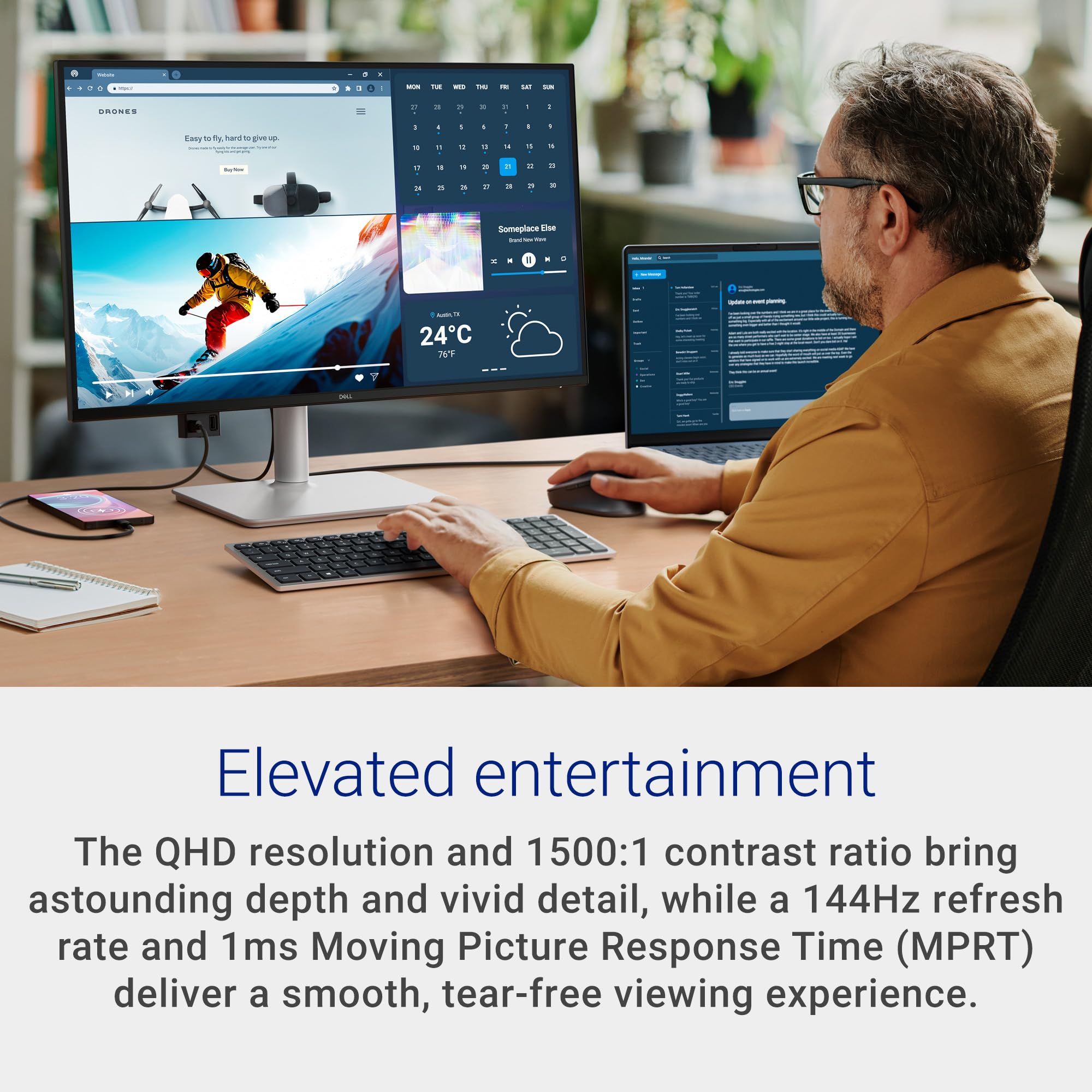
The Dell 27 Plus USB-C Monitor (S2725DC) arrives at my London lab with a clear mission: to simplify the modern workspace. My initial impression is positive; the Ash White finish is clean, and the slim bezels make it blend well into a professional setup. In the UK, where desk space is often at a premium, a monitor that consolidates connectivity is always a welcome sight. The standout feature, undeniably, is the USB-C port offering up to 65W Power Delivery. This means a single cable can handle video, data transfer, and charging for many laptops. I tested this with a few development machines, and for lighter tasks, it genuinely reduces cable clutter. So what? For users tired of juggling power bricks and separate display cables, this is a tangible benefit to desk tidiness and setup speed. However, I must immediately address a visual compromise that cropped up in my testing and is echoed by users: the contrast ratio. While the IPS panel provides excellent 178° viewing angles and a respectable 99% sRGB coverage for vibrant colours, the native 1500:1 contrast ratio means blacks don't truly appear black. In darker scenes of films or games, I observed a noticeable greying effect, a common complaint amongst reviewers. This is a crucial point for anyone who values deep blacks and high contrast for media consumption or immersive gaming. Compared to something like the larger Dell S3225QS, which boasts a better native contrast, the S2725DC visibly struggles to render true blacks. For general productivity, this might be a minor quibble, but for visual professionals or cinephiles, it's a significant limitation. The 144Hz refresh rate and 1ms MPRT response time are, on paper, excellent for a monitor in this class. In my day-to-day scrolling through code, web pages, and even casual gaming sessions, the fluidity is undeniable. The AMD FreeSync support further ensures tear-free motion, which is a must for a smooth visual experience. This is a clear step up from more basic office monitors like the BenQ GW2790Q, which often top out around 100Hz and lack such rapid response times. So what? This higher refresh rate translates directly into a more pleasing, less fatiguing visual experience, especially during extended work periods or quick-fire gaming.
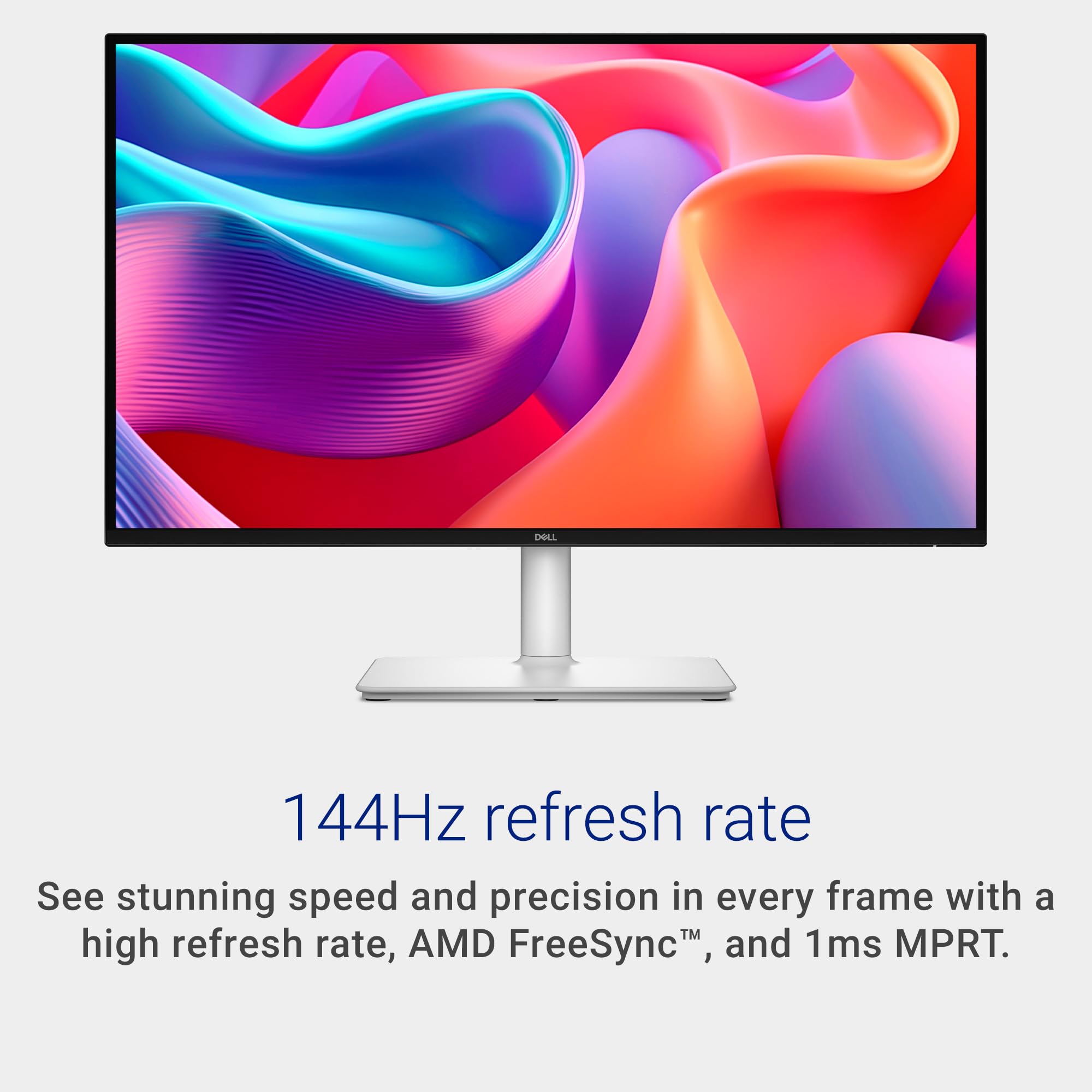
Connectivity is where the S2725DC truly shines, apart from the contrast issue. Beyond the primary 65W USB-C, there's a secondary USB-C port providing 15W downstream power, a DisplayPort 1.4, an HDMI 2.1 port, and two USB-A ports, one with fast charging capabilities. The inclusion of pop-out quick-access USB-A and USB-C ports is a clever touch, ideal for plugging in a mouse, keyboard, or flash drive without fumbling around the back. This makes it a capable docking station replacement for many. Yet, I must flag a specific concern raised by some users: the 65W USB-C power delivery might not be enough for more demanding Dell laptops, such as higher-end XPS or Precision models. I found this to be true with one of my test machines; it would charge slowly or even drain battery under heavy load, necessitating the use of its original, larger power adapter. So what? If you own a power-hungry laptop, this monitor's single-cable promise might be broken, forcing you back to a secondary charger. Pairing this monitor with a powerful laptop like the Lapbook 15.6" might mean you still need a separate charging solution for the laptop itself. Ergonomics are a strong suit. The stand is easy to attach and offers a full range of motion: tilt, swivel, pivot, and height adjustment. This allows for fine-tuning to suit any desk setup or user preference, promoting better posture and reducing strain over long hours. The TÜV 4-star Eye Comfort certification, promising low blue light and flicker-free operation, is standard for Dell monitors and genuinely contributes to reduced eye fatigue. The built-in 2x 3W speakers are a pleasant surprise for basic audio needs, offering clearer sound than many laptop speakers, though they lack the depth for serious music listening or gaming immersion. It's worth noting there's no 3.5mm audio jack, so if you need better audio, you'll need USB headphones or speakers, or perhaps an external USB hub like the Acer model which often includes audio outputs. Ultimately, the Dell 27 Plus USB-C Monitor S2725DC presents a compelling package of modern connectivity and smooth performance, especially for those looking to declutter their workspace. Its 144Hz refresh rate and versatile USB-C hub are genuine advantages. However, the significant compromise in black levels due to its low contrast ratio, coupled with the potential inadequacy of its 65W power delivery for some laptops, means it's not a universal recommendation. For users prioritising visual fidelity in dark content or requiring maximum power for their workstation, alternative monitors like the Dell S3225QS (for contrast) or a higher-wattage dock might be more suitable. For general office use, casual gaming, and a cleaner desk, it remains a strong contender, particularly with its limited stock indicating demand.