The NIIMBOT B1 label maker offers portability and a simple start, making it appealing for basic organization. However, our team found its value significantly hampered by a mandatory, internet-dependent app that requires account creation and pushes proprietary consumables. While it excels at inkless, on-the-go printing, the ecosystem lock-in and potential for software-related frustrations mean it's best suited for users who can overlook these considerable drawbacks.
Specifications
| Spec | Value |
|---|---|
| Weight | 0.7 lb |
| Battery Life | Up to 5 hours per charge |
| Dimensions | 5.2 x 3.6 x 2.4 inches |
| Supported Label Width | 0.8'' - 2'' |
| Print Resolution | 203 dpi |

In-Depth Analysis
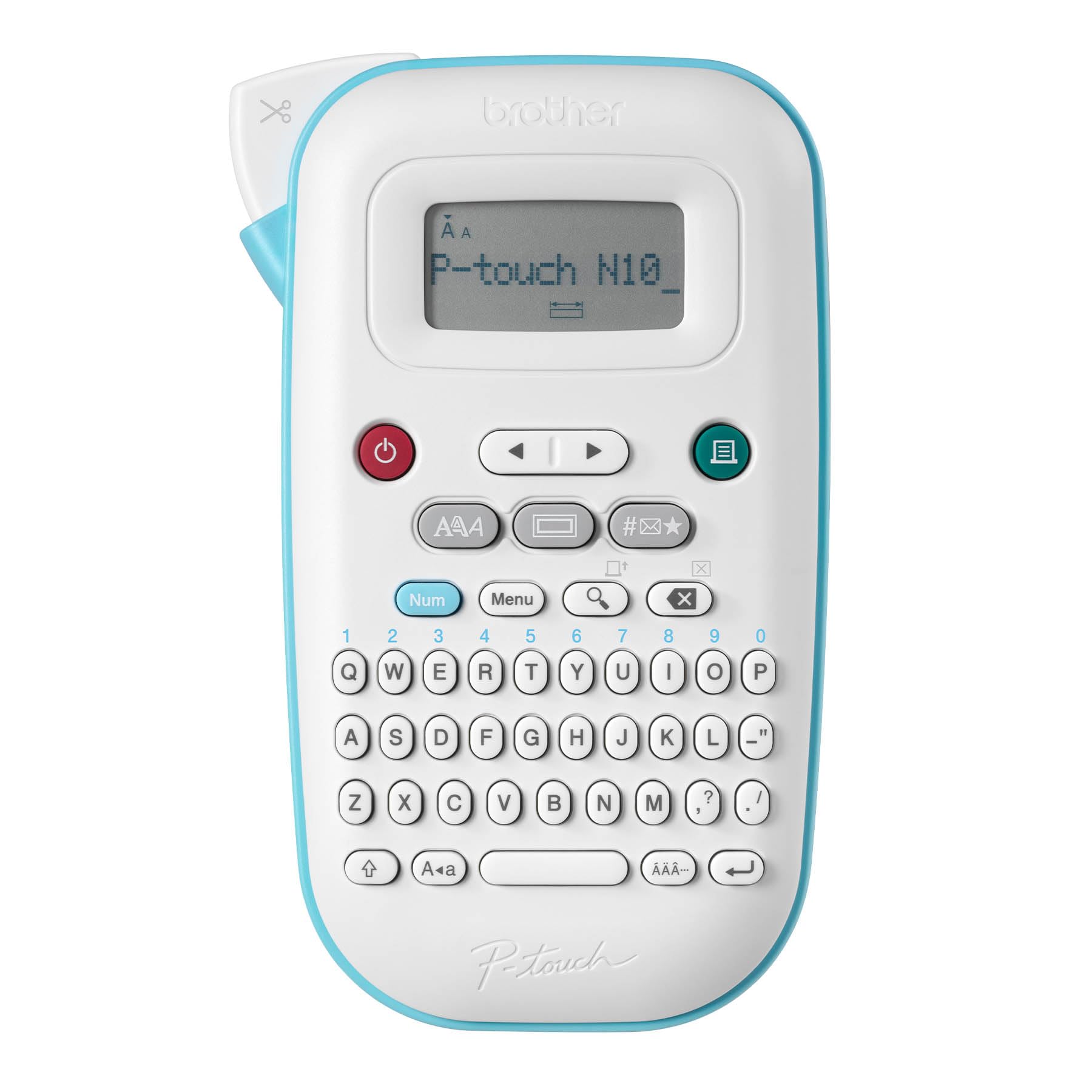
When we first unboxed the NIIMBOT B1, its appeal was immediate. The unit is remarkably compact and lightweight, fitting comfortably in the palm of your hand. In our testing, setup was a breeze; pairing via Bluetooth to our Android test device took mere moments. The promise of inkless thermal printing is always a welcome one, eradicating the recurring expense and potential mess of ink cartridges. Its small footprint makes it an attractive option for home organisation, school projects, or small retail environments where space is at a premium. However, the user experience quickly reveals significant limitations, primarily stemming from the mandatory NIIMBOT app. Our team found that this app is not just a tool; it's a gatekeeper. Users are required to create an account and, crucially, maintain an active internet connection to print anything at all. This design choice means the printer becomes a rather expensive paperweight if your Wi-Fi flickers or you're in an area with spotty service. This constant online requirement, coupled with the app displaying ads and attempting to upsell users to a VIP subscription for features that should ideally be standard, creates a considerable amount of friction. We noted this approach differs starkly from simpler, offline-capable label makers like the Brother P-touch PT-N10, which, while less advanced in connectivity, offers a more straightforward, self-contained experience.

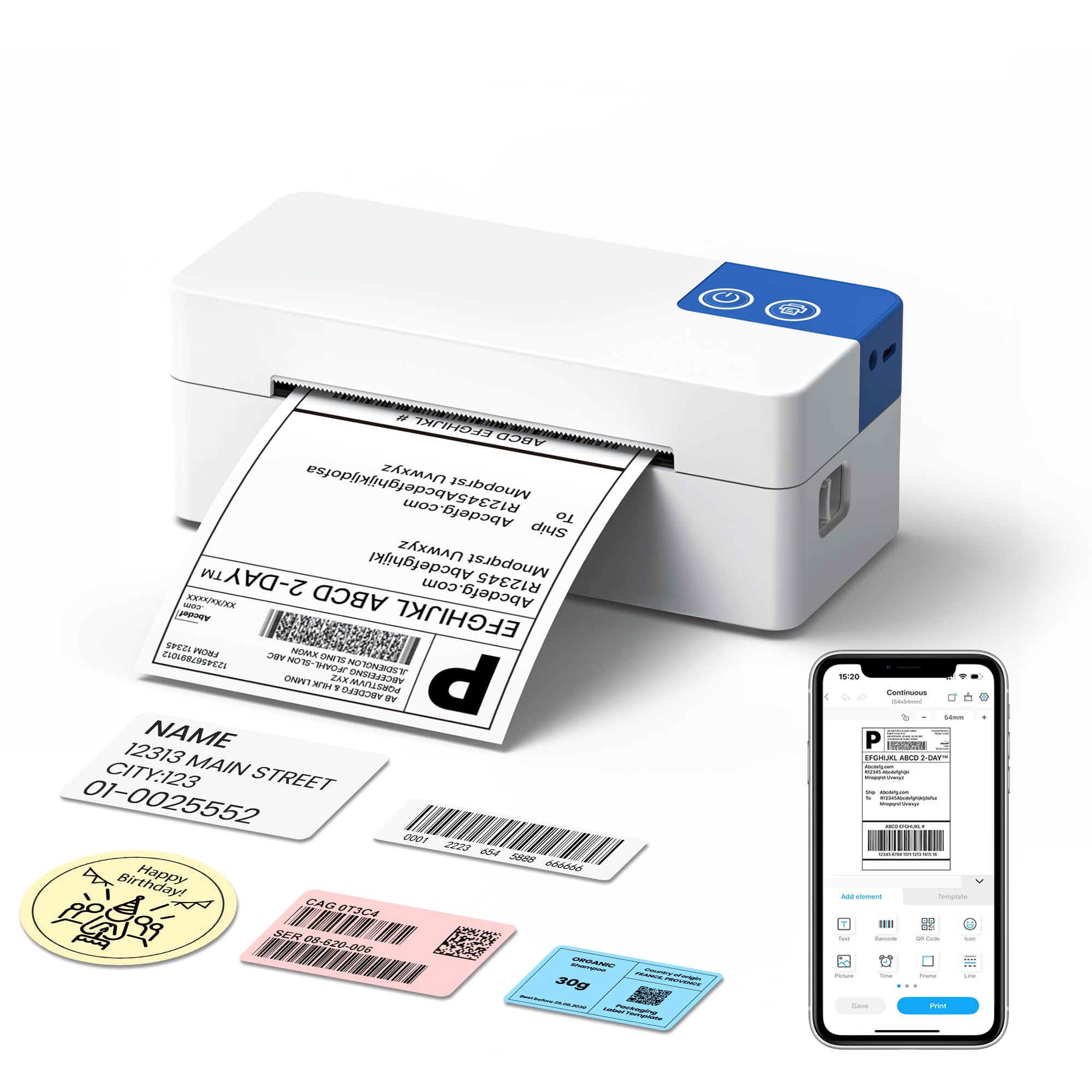
Another major point of contention, as highlighted by numerous buyers, is the printer's reliance on proprietary Niimbot label rolls. Reports suggest the B1 actively discourages the use of third-party labels, often through RFID chips embedded in the official rolls. This 'lock-in' strategy can lead to poor print quality, misalignments, or outright refusal to print on non-Niimbot tapes, forcing users into purchasing more expensive consumables. For a device marketed towards budget-conscious users and small businesses, this ongoing cost can quickly negate the initial savings. We observed that while the B1 supports label widths up to 2 inches, the quality of printing these wider labels can be inconsistent, with pixelation and off-centre results being common complaints. The 203 dpi resolution, while adequate for basic text, is noticeably lower than what's offered by some premium competitors or even higher-tier Niimbot models. Connectivity, while generally easy to establish, isn't entirely without its quirks. We encountered mentions of region-specific errors that some users had to resolve by contacting the seller, and occasional temporary glitches that disrupt the printing workflow. While the B1 offers more advanced connectivity than older models like the Dymo LabelManager, these software and hardware dependencies mean it's not a plug-and-play solution for everyone. Unlike a dedicated shipping label printer such as the ETIKEZ 4x6 model, which is designed for high-volume, specific tasks, the NIIMBOT B1 aims for general versatility but falls short due to its ecosystem constraints. Our analysis suggests that while the portability and inkless nature are strong selling points, prospective buyers must weigh these benefits against the significant software requirements and the potential for ongoing costs associated with proprietary labels.