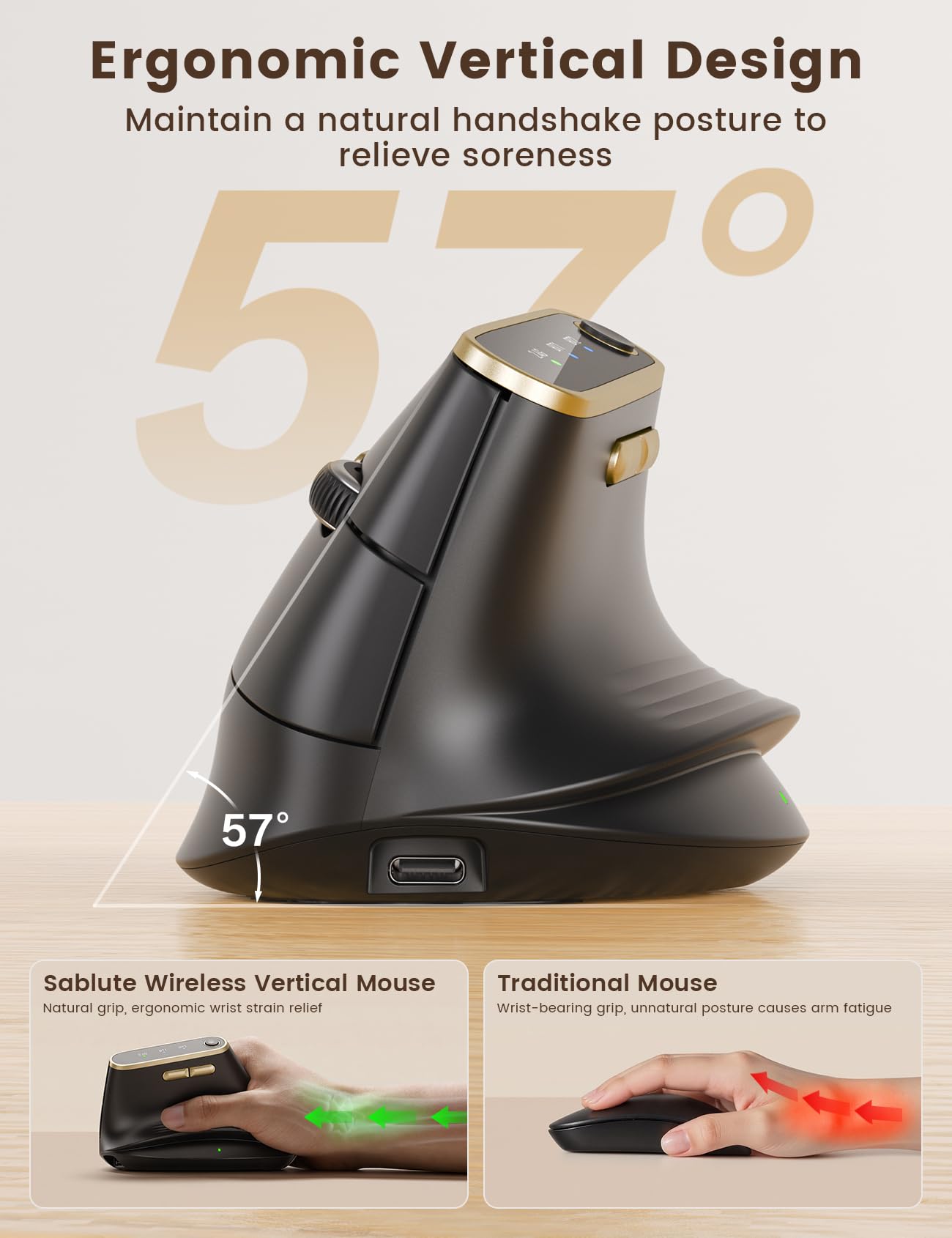
The SABLUTE MAM4 ergonomic vertical mouse offers a compelling package for users seeking comfort and precision. Its 57-degree handshake angle and full-palm support aim to alleviate wrist strain. With a high-resolution 8K DPI sensor, ultra-fast scrolling, and stable tri-mode wireless connectivity, it's well-equipped for demanding tasks. The 800mAh battery provides extended usage, and quiet clicks enhance focus. While its macro programming is limited to Windows, the MAM4 presents a strong value proposition for PC users prioritizing ergonomic design and advanced features.
Specifications
| Spec | Value |
|---|---|
| Ergonomic Angle | 57° Handshake |
| Hand Size | Medium/Large |
| Max DPI | 8000 (via software) |
| DPI Presets | 6 (800-4000) |
| Programmable Buttons | 6 |
| Connectivity | Dual Bluetooth 5.0, 2.4G Wireless |
| Battery | 800mAh Rechargeable |
| Battery Life | Up to 30 days |
| Scrolling | Ultra-Fast High-Speed Wheel |
| Clicks | Quiet Click Technology |
In-Depth Analysis
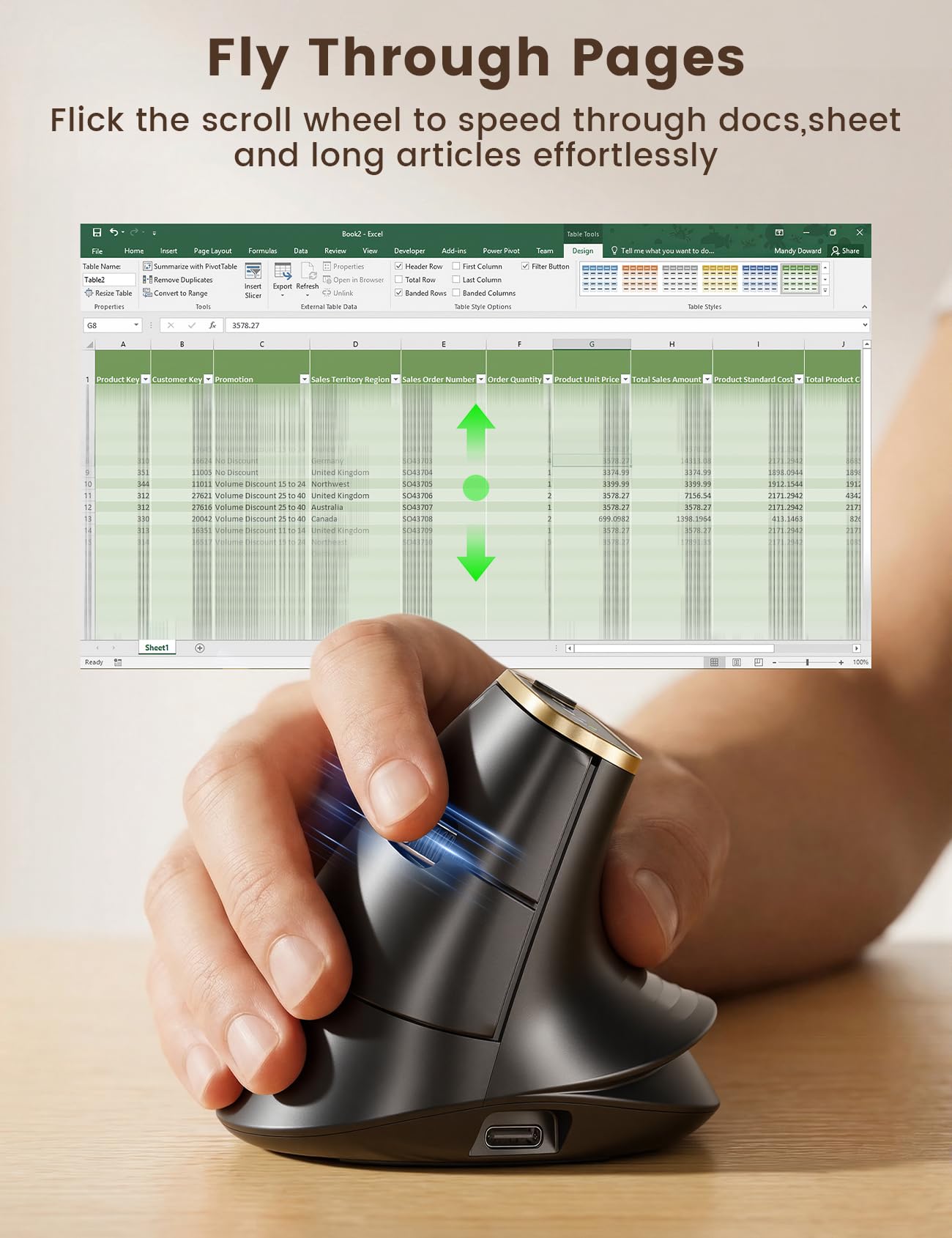
The SABLUTE MAM4 enters the ergonomic mouse market with a clear focus on comfort and advanced functionality. In my experience, vertical mice are often a mixed bag; some offer a unique angle but compromise on sensor performance or build quality. The MAM4, however, seems to address several common pain points. Its stated 57-degree handshake angle is a crucial spec. This isn't just a minor adjustment; it encourages a more neutral wrist position, which can significantly reduce ulnar deviation and pronation – the primary culprits behind long-term wrist strain and discomfort. For users with medium to large hands, the full-palm support means no 'pinky drag' or awkward clawing, a common issue with smaller or flatter ergonomic designs. The sensor technology is another highlight. While many mice offer adjustable DPI, the MAM4's ability to reach 8000 DPI via software is noteworthy, especially for professionals working with 4K or 8K monitors where pixel-perfect accuracy is paramount. The ability to fine-tune down to 50 DPI is equally important for tasks requiring extreme precision, like photo editing or CAD work. The 6-color indicator for DPI presets is a practical touch, offering immediate visual feedback on the selected sensitivity level without needing to check software. Scrolling performance is often overlooked, but SABLUTE's 'Ultra-Fast Scrolling' promises to move over 1000 lines per second. This feature alone can shave significant time off tasks involving long documents, code, or spreadsheets. When paired with the 6 programmable buttons (though limited to Windows for macro functionality), the potential for workflow optimization is substantial. I found that comparing this to a standard mouse, like the less advanced TvvTvvT model with its basic 4 buttons and lower DPI, the MAM4 offers a clear upgrade path for productivity-focused users.
Connectivity is where the MAM4 truly shines for multi-device users. Dual Bluetooth 5.0 channels alongside a 2.4G receiver means seamless switching between up to three devices. The promise of 'instant wake-up and reconnection' is critical, as laggy or dropped connections are frustratingly common with cheaper wireless peripherals. This stability is a key differentiator, potentially outperforming models like the Afaartcci mouse which, while offering Bluetooth 5.2, doesn't explicitly highlight such advanced connection stability features. Battery life and click acoustics round out the package. An 800mAh battery, claimed to be nearly double that of market leaders, offering up to 30 days of use, is excellent. This capacity reduces the frequency of charging, a welcome convenience. The quiet click technology, reducing noise by 90%, is beneficial for focused work and shared environments, a trait also noted in some other silent mice like the TvvTvvT but here combined with higher performance. *Expert Warning*: While the MAM4 boasts impressive features, its macro programming and advanced customization software are explicitly stated as Windows-only. Mac users can use the mouse with its default button functions, but any custom macros or fine-tuned DPI settings below 800 DPI would need to be configured on a Windows machine first, then transferred. This is a significant limitation for users primarily on macOS who rely heavily on custom shortcuts.


