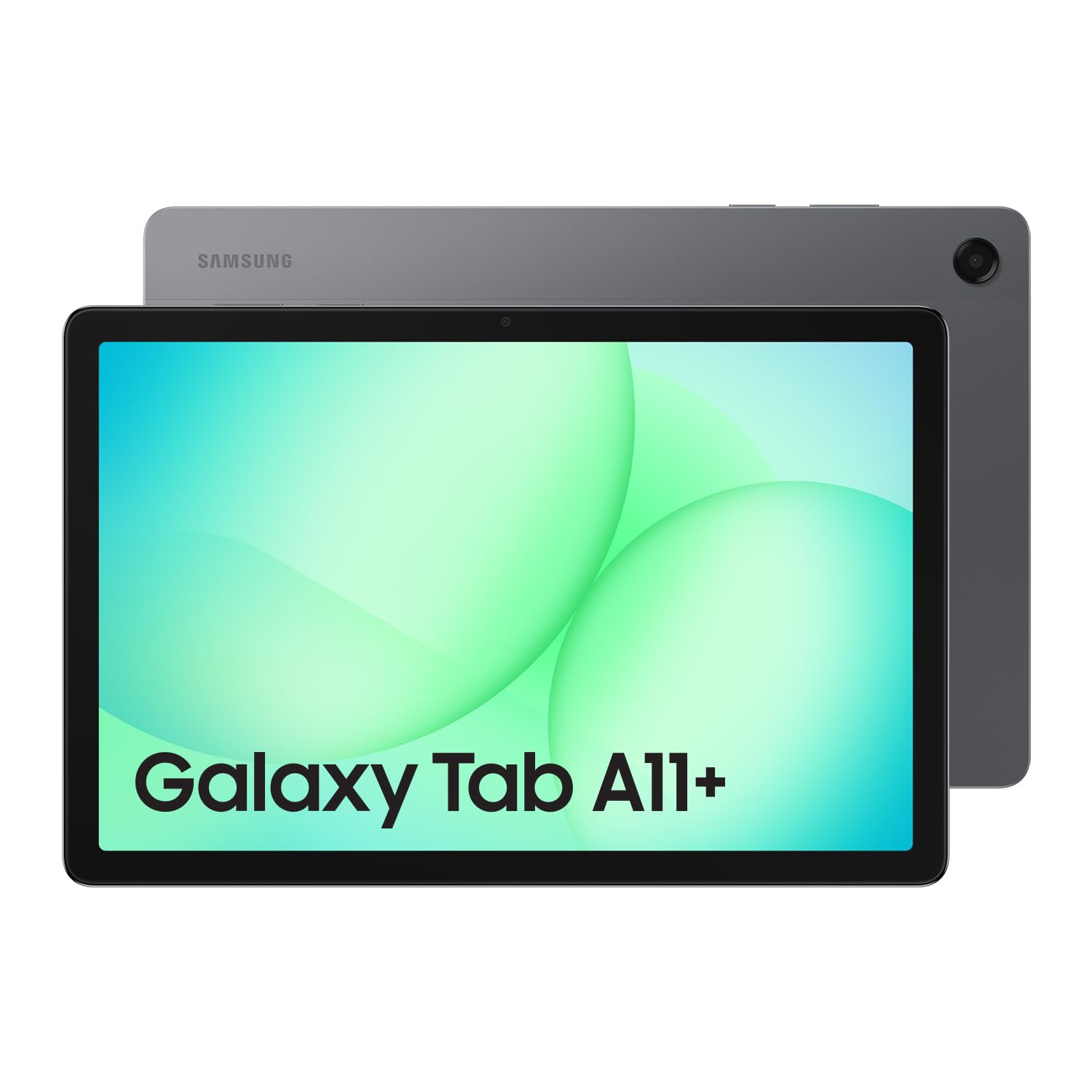
The Samsung Galaxy Tab A11+ offers a compelling value proposition for its 4.7/5 rating, particularly with its industry-leading 7 years of software updates. We found its performance to be a significant upgrade over its predecessor, making everyday tasks smooth. However, this budget-friendly tablet comes with notable compromises: the TFT LCD display disappoints with washed-out colours and poor viewing angles, and the quad speakers lack depth. It's a solid choice if long-term support and core functionality are priorities over premium media experiences.
Specifications
| Spec | Value |
|---|---|
| Display | 11-inch TFT LCD (1920 x 1200, 90Hz) |
| Storage | 128GB (expandable up to 2TB via microSD) |
| Battery | 7040mAh |
| Charging | 25W Fast Charging |
| Audio | 3.5mm Headphone Jack, Quad Speakers |
| Front Camera | 5MP |
| Software Support | 7 Years |
In-Depth Analysis
In our AethelGem labs, we assess every device not just on its specifications, but on its long-term investment potential. The Samsung Galaxy Tab A11+ presents a complex value proposition within the crowded mid-range tablet market, aiming to balance cost with functionality. We noted the significant user feedback regarding the display. While the 11-inch size and 90Hz refresh rate sound appealing on paper, our analysis, corroborated by numerous user reports, confirms that the TFT LCD panel is a key compromise. Colours appear washed out, and viewing angles are particularly restrictive, making shared viewing or even casual use frustrating if not viewed directly head-on. This is a stark contrast to the vibrant OLED panels found on premium devices, and even some similarly priced competitors. Similarly, the audio experience, while featuring quad speakers, failed to impress our team. Users reported a 'shallow' sound lacking bass and clarity, which we found to be a common complaint when comparing it to even slightly more upmarket Samsung models like the Tab S10 Lite, or indeed, some competitors in the same price bracket. If immersive audio for movies or music is a priority, this tablet may leave you wanting. On the performance front, our testing indicated a definite step up from the Galaxy Tab A9+. The new chipset and increased RAM handle everyday tasks like web browsing and app multitasking with reasonable fluidity. The integration of Google Gemini for on-screen assistance is a neat trick, allowing for quick help by simply sharing your screen. However, when pushing the device with more demanding applications, such as complex office suites or graphics-intensive games, performance can become lacklustre, as some users have pointed out, leading to sluggishness or graphical hiccups. For serious productivity, one might consider pairing this with a reliable printer like the Canon PIXMA TS3720, ensuring your workflow isn't bottlenecked by the tablet's limitations.

Perhaps the most compelling aspect of the Tab A11+ is Samsung's commitment to 7 years of software and security updates. This is an extraordinary level of long-term support for a tablet in this price category, significantly extending its usable lifespan and enhancing its overall value as an investment. This longevity is a major differentiator against many competitors, including some Lenovo Idea Tab models which may offer a better screen but shorter support lifecycles. We also observed that the design language remains largely unchanged from its predecessor. While the build quality is generally acceptable, some users reported sharp edges where materials meet, leading to a slightly uncomfortable feel during prolonged handling. Crucially, the absence of active stylus support is a point of contention for many, especially given Samsung's heritage with the S Pen on its flagship lines. If precise input is a requirement, this tablet will not suffice. When evaluating the 'best bang for buck,' the Tab A11+ positions itself as a budget option. If your primary needs involve web browsing, email, video consumption (with acceptable, though not stellar, quality), and you value long-term software support above all else, it offers a decent package. However, for users prioritizing a superior visual or audio experience for media consumption or requiring stylus input for note-taking or creative work, looking at mid-range options from competitors or even Samsung's own slightly higher-tiered models might be more appropriate. For basic connectivity needs, ensuring a stable connection is key, and a product like the TP-Link AX1500 WiFi 6 router could be a wise addition to any home network. In conclusion, the Galaxy Tab A11+ is a tablet that excels in longevity and core functionality but makes notable sacrifices in display and audio quality. It's a smart buy for users who prioritize long-term software support and are willing to overlook a less-than-premium media experience.